UX Design meets Software Development
Between Figma and Code: Why Good Software Is Built at the Interface
Good software rarely comes from a perfect handover from design to development.
It is not as simple as: UX creates a design, development builds it.
In most projects, the process is much more complex. Requirements change. Technical questions come up. User feedback comes in. And sometimes, only during implementation, it becomes clear that a detail that looks small in the design creates a much larger chain of work in development.
This is exactly the interface we discussed in an Interview with UX designer Franz Rosenberger.
Franz is working at the intersection of user perspective, interface design, and technical implementation. Part of his projects involves developing usage scenarios, prototypes, and design systems for complex software applications.
Franz has worked closely with our development team on several projects.
His perspective is especially interesting because he looks at software projects from a UX point of view while also understanding the realities of technical implementation.
His perspective is especially interesting because he looks at software projects from a UX point of view while also understanding the realities of technical implementation.


UX Does Not Start with Beautiful Screens
When Franz talks about UX design, the first step is not about colors, fonts, or polished interfaces.
It is about understanding.
Who will use the software? In what situation? With what prior knowledge? What actually needs to happen in the end?
“In these conversations, it is all about listening very carefully and asking systematic questions,” says Franz. “You ask yourself: What kind of people will use the interface in the end? What prior knowledge do they bring? How much support should the software provide?”
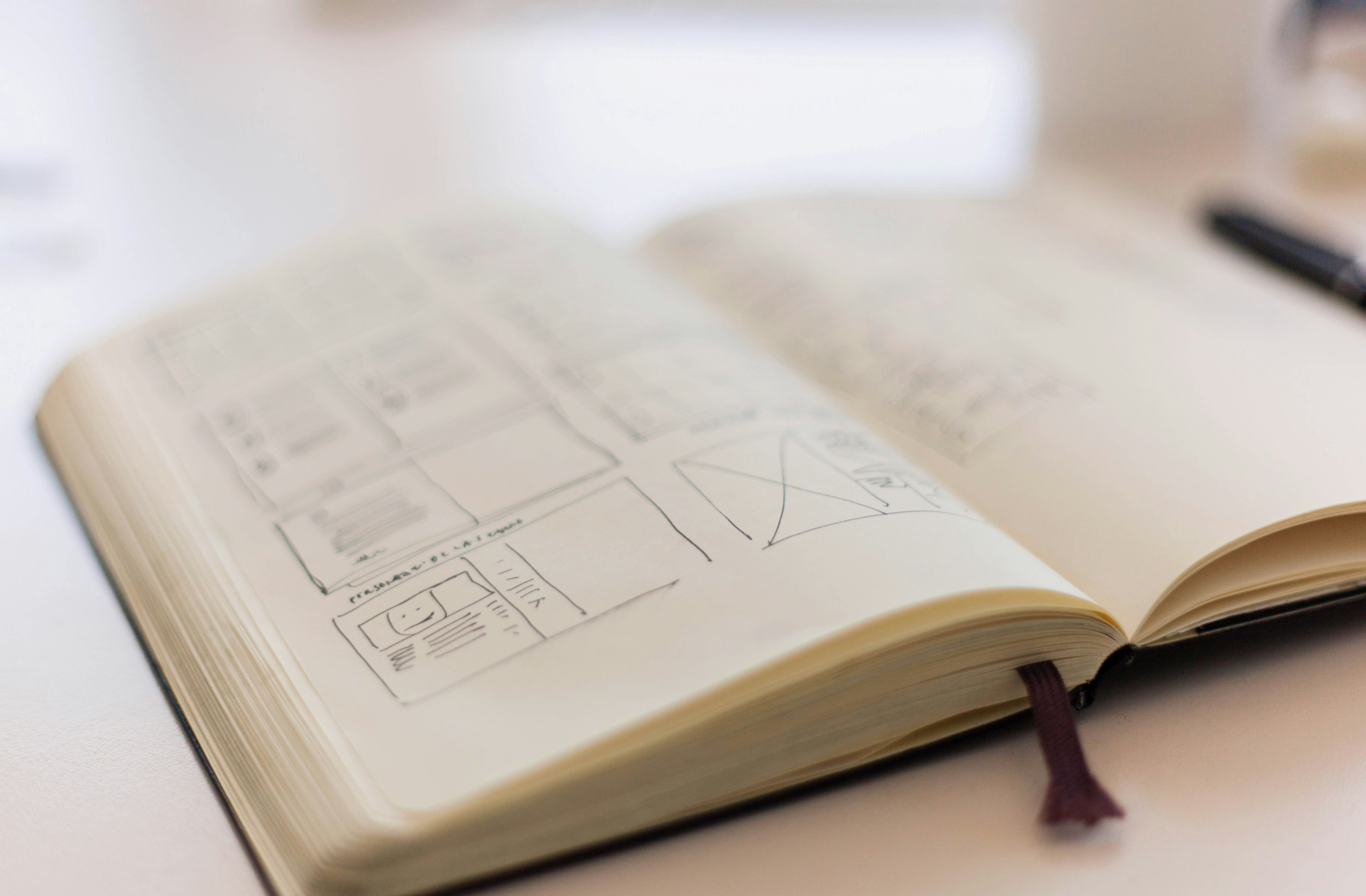
Before an interface is created, processes need to be understood, usage scenarios developed, and initial flows sketched out.
“Most of the time, the beginning is really abstract,” Franz explains. “And throughout the process, it becomes more and more differentiated.”
Only then does the work move toward wireframes, prototypes, and visual design. For software development, this groundwork is essential. Good UX does not simply deliver a beautiful layout. It clarifies the structure, behavior, and logic of an application.
Or as Franz puts it: “During these conversations, we already begin to understand what kind of technical requirements we will be facing.”
The Handover Is Not the End
Things get especially interesting where UX design meets development.
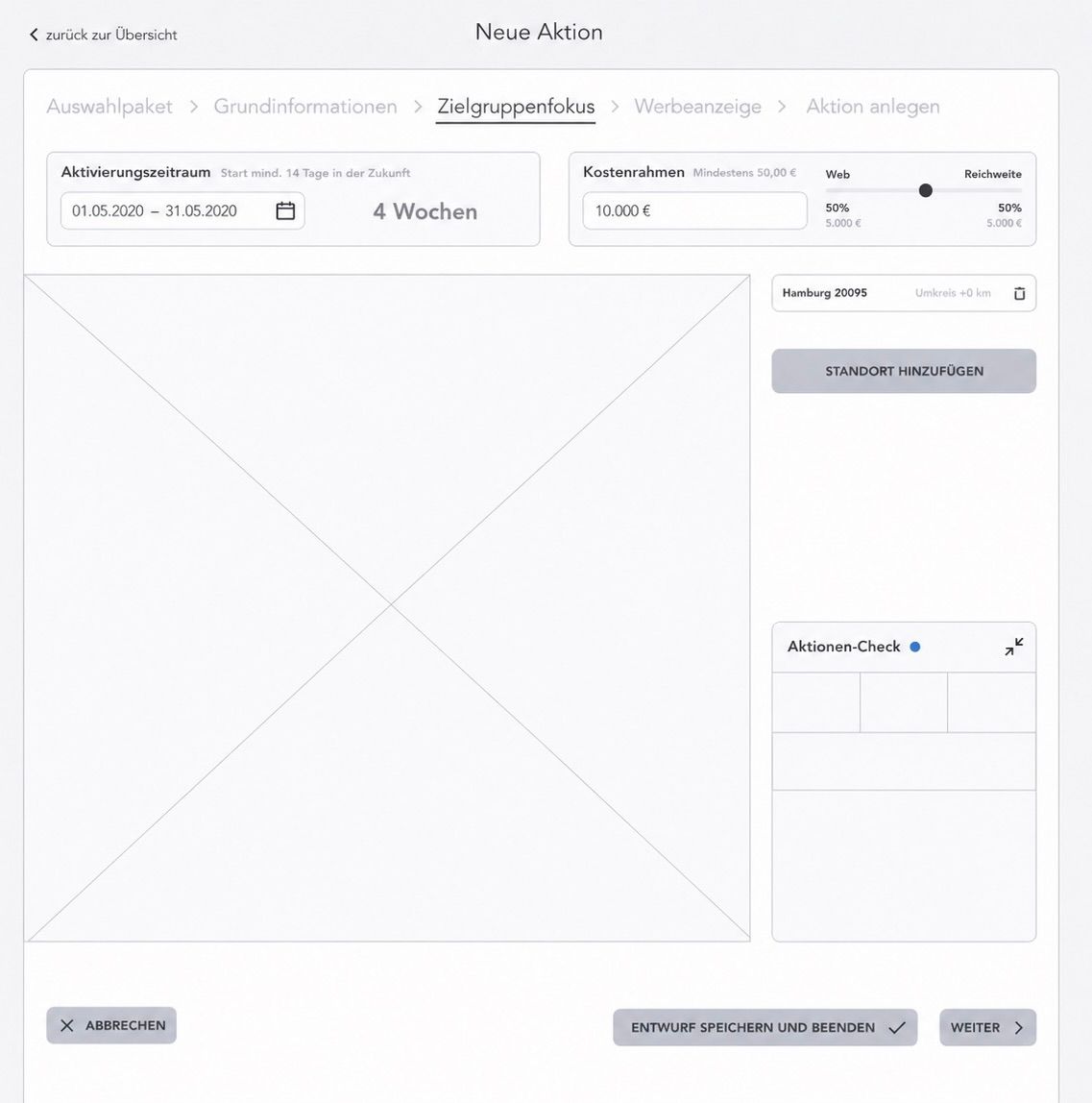
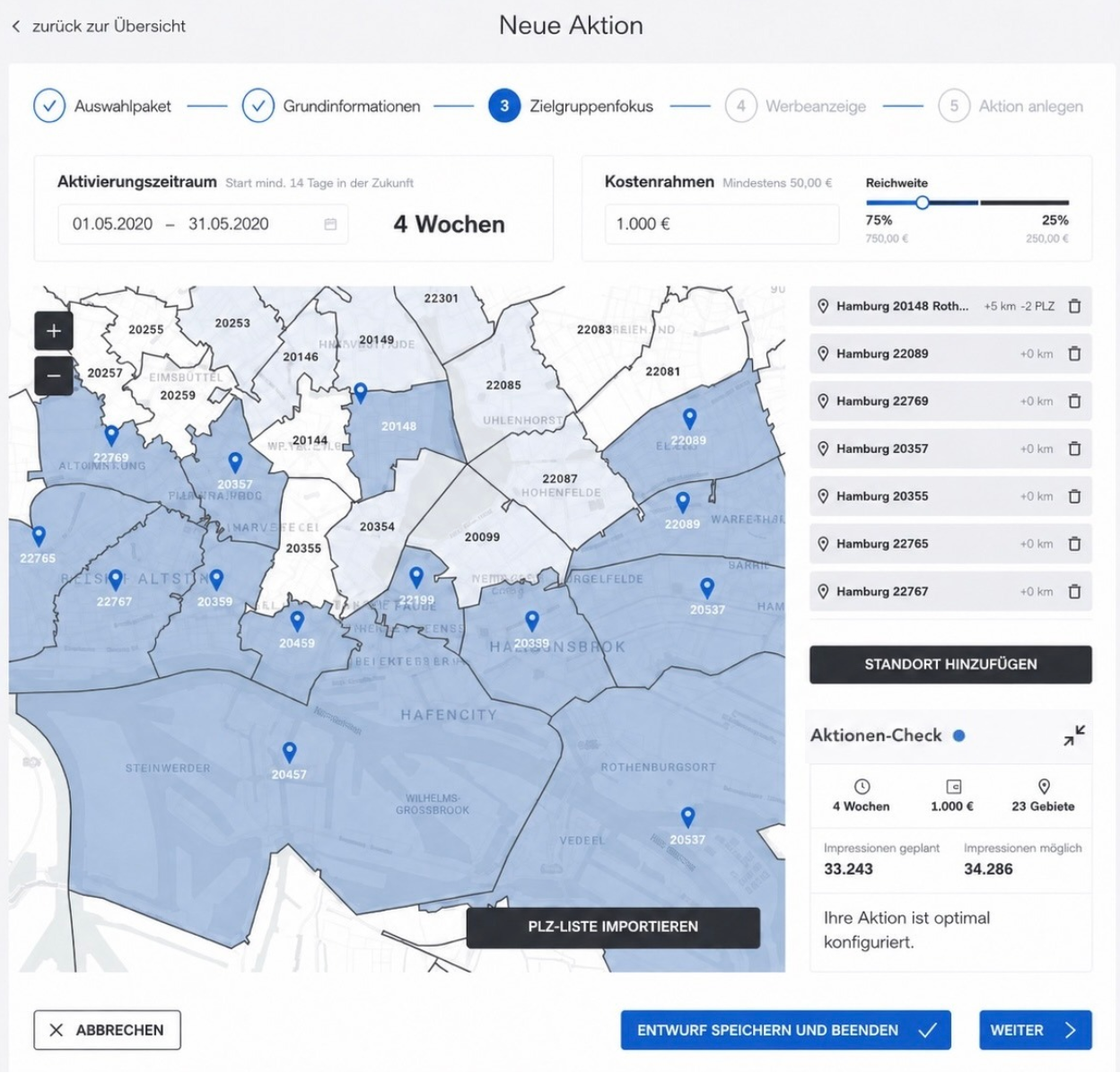
Even if a design looks clean in Figma, that does not automatically mean the implementation is clear. How should a component behave in an error state? What happens if data is missing? Which states does a button need? How important is a specific detail really?
Even if a design looks clean in Figma, that does not automatically mean the implementation is clear. How should a component behave in an error state? What happens if data is missing? Which states does a button need? How important is a specific detail really?
Franz describes this collaboration as a “fluid exchange in both directions.”
At K3B, this often happens very directly: through tickets, direct message questions, shared alignments, and short feedback loops between design and development.
“When someone is working on a ticket, questions often come up,” Franz explains. “For example: Is there already a component for this situation? Or how should this be handled if an error occurs in the system?”
Sometimes the design has to give way because a technical solution is more pragmatic. Sometimes development needs to take another closer look so that the interface does not drift too far away from the design.
Because consistency is not just design vanity.
“It is important to pay attention to consistency,” says Franz. “If one font size is used here and another one there, you feel that in the end.”
“It is important to pay attention to consistency,” says Franz. “If one font size is used here and another one there, you feel that in the end.”
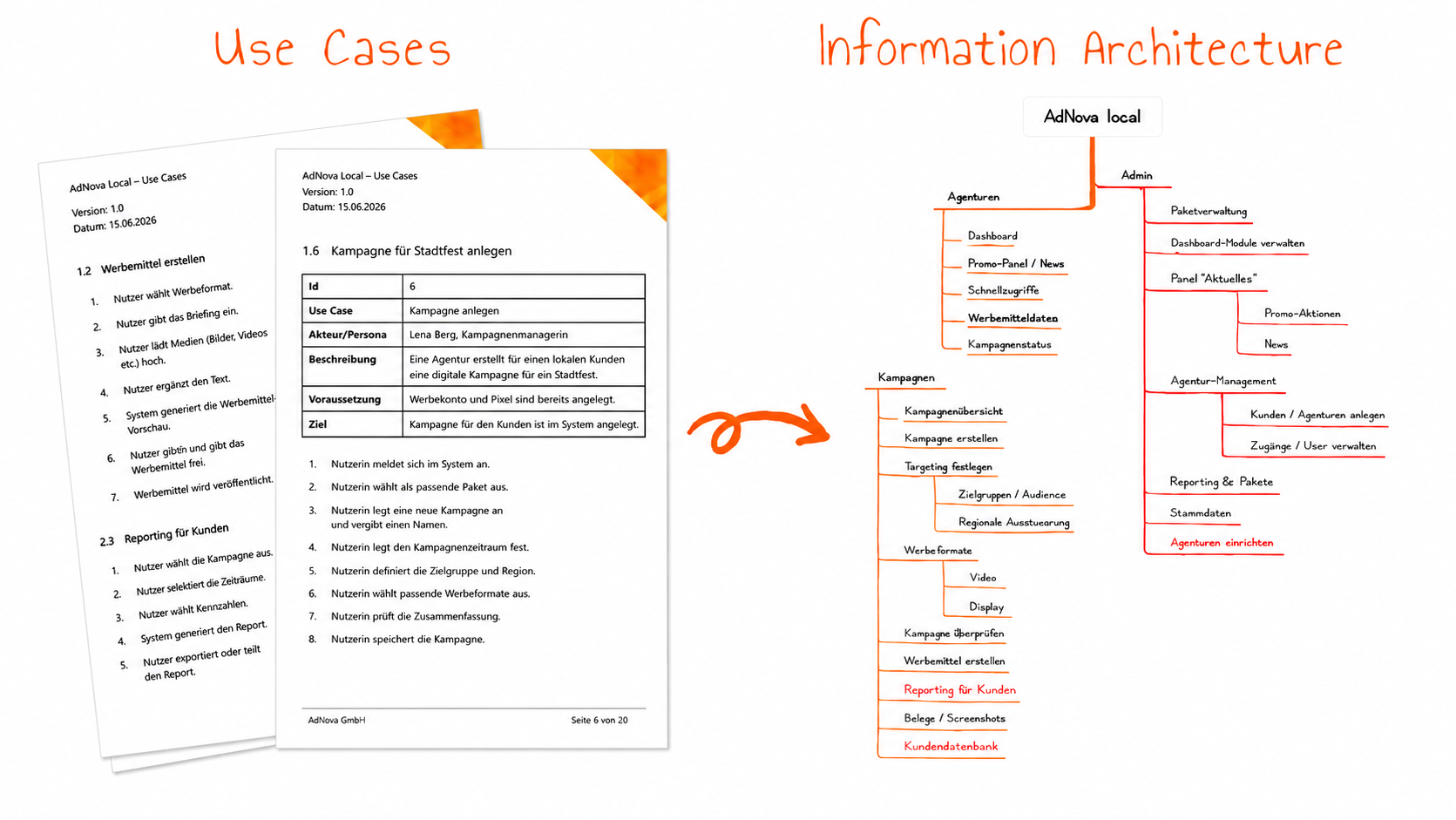
Construction Site Instead of Office
The importance of this interface becomes especially clear in projects where software is not used in an ideal office environment.
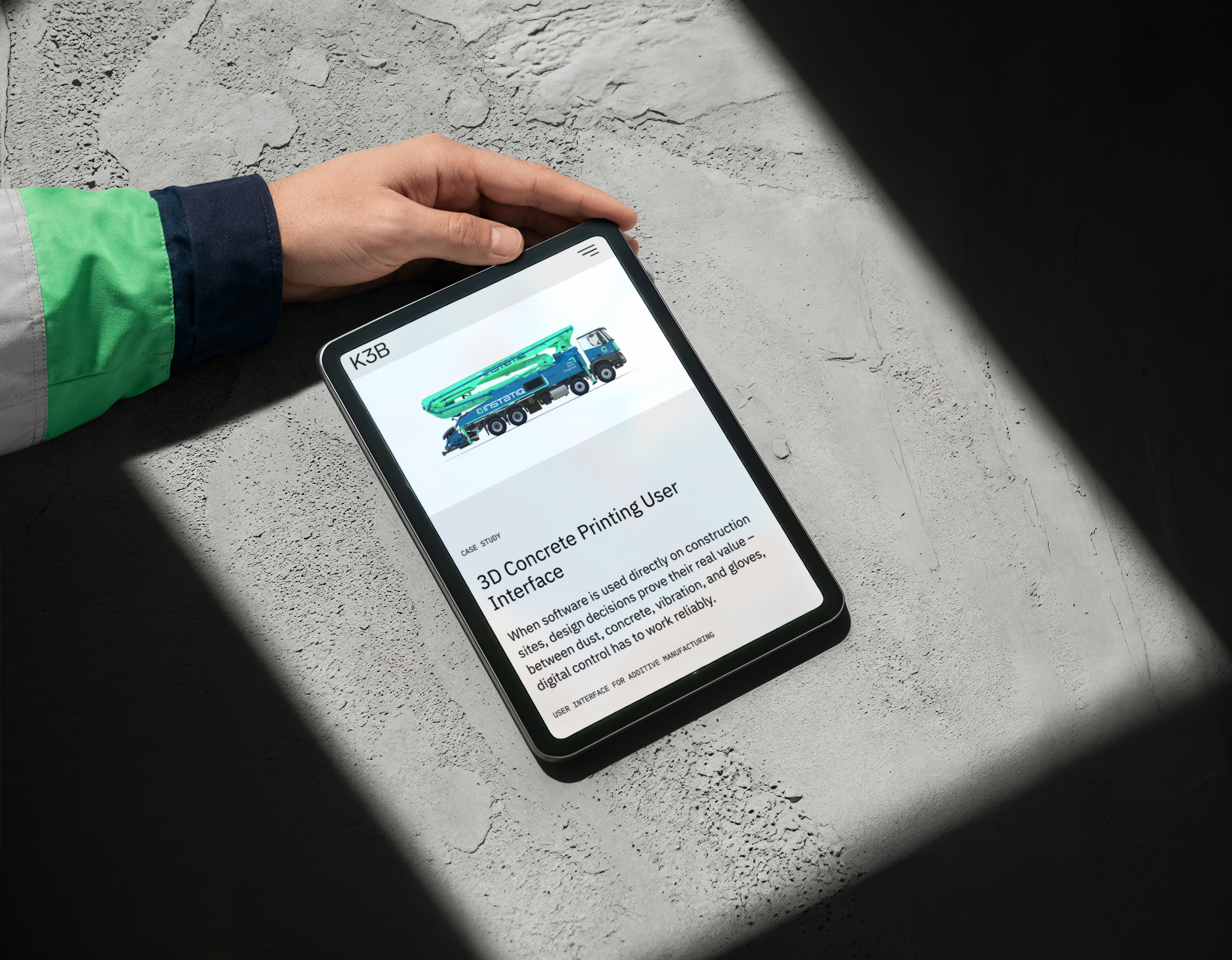
Like in the user interface for the 3D concrete printer.
If a user interface needs to work on a construction site, different rules apply than at a desk.
“What makes this special is that I am not designing a system that will eventually be used in an office context,” Franz says. “It is really rough, out there on the construction site.”
This changes the requirements for both design and development.
“Sometimes it is cold outside, people barely feel their fingers, or they are wearing thick gloves,” he explains. “Then you obviously cannot just build tiny buttons into the interface.”
“Sometimes it is cold outside, people barely feel their fingers, or they are wearing thick gloves,” he explains. “Then you obviously cannot just build tiny buttons into the interface.”
Readability also becomes both a design and a technical issue.
“The sun is shining, so you need strong contrasts to make sure important sensor data is easy to read and recognize.”
“The sun is shining, so you need strong contrasts to make sure important sensor data is easy to read and recognize.”
At first, that sounds like UX: large buttons, strong contrasts, clear hierarchies. But it is just as much a development topic. These requirements need to be implemented cleanly, tested, and continuously improved throughout the project.
Franz describes the project as “alive”: the software is used outside, real experiences come back, features are adjusted, and priorities shift.
“Then the person operating the construction machine says: This did not work. Or: We need to see this sensor value much larger and much more permanently.”
This is exactly where it becomes clear why good software does not come from rigid handovers.
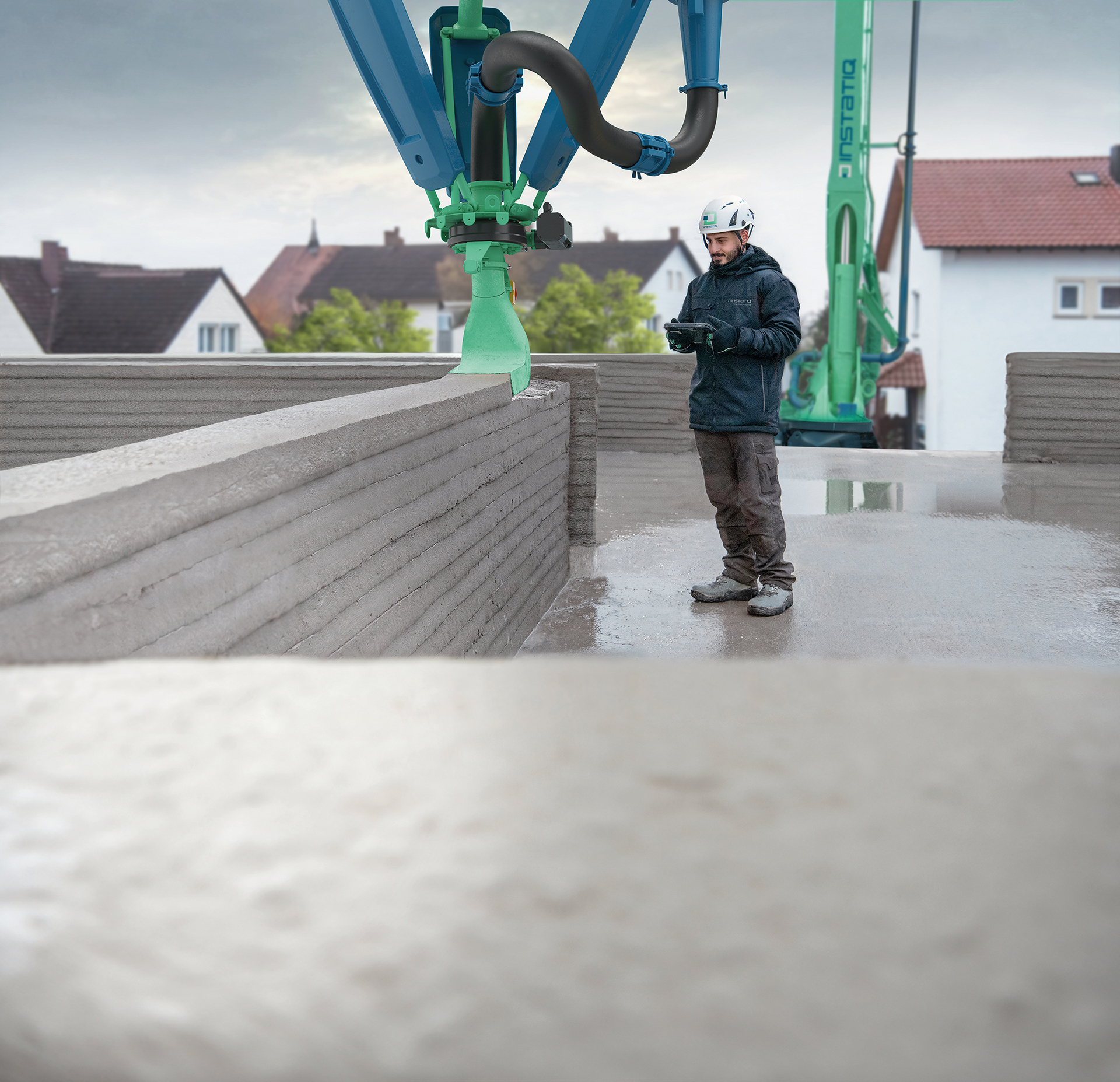
Good UX Sometimes Means Friction
Good UX does not always mean making everything as fast and seamless as possible.
Sometimes friction makes sense.
For example, when an action is critical and users need to consciously confirm what they are doing. An additional prompt can then be a feature, not an obstacle.
For example, when an action is critical and users need to consciously confirm what they are doing. An additional prompt can then be a feature, not an obstacle.
“Sometimes it makes total sense to build friction into user experience flows,” says Franz. “If you make an online bank transfer, it makes total sense to be asked one more time whether the data is correct and whether you are sure.”
From a technical perspective, the focus is often on efficiency: as few clicks as possible, fast processes, direct paths.
For development, this means that not every additional interaction is automatically worse. What matters is the purpose it serves.
Software Is Built In Between
In the end, our conversation with Franz shows one thing above all:
UX design and software development are not separate areas.
UX brings in the user perspective, usage contexts, and interaction logic. Development adds technical feasibility, architecture, and implementation expertise. Good products emerge where both come together.
Between Figma and code.
Between what users need and what can be built in a technically meaningful way.
Or, to put it differently: good software does not start at deployment. It is created in all the small alignments before that.
Further Information